- Go to the Downloads page and download the PrintBridgeService zip file.
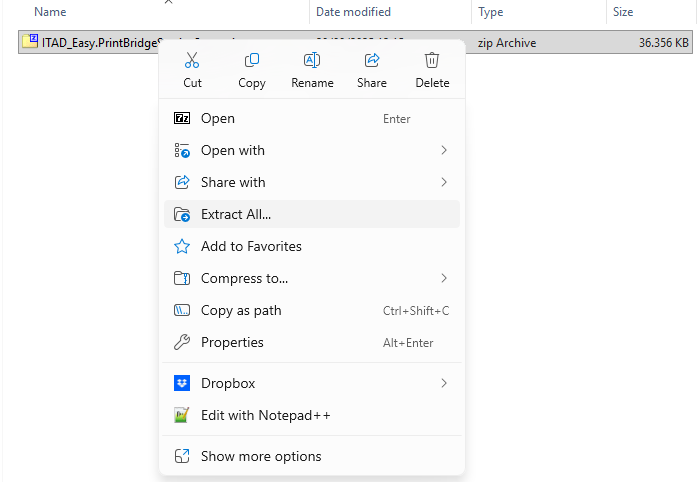
- Extract the zip file by right-clicking on it, and selecting Extract All.
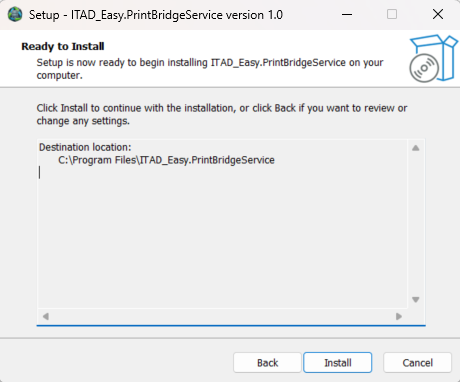
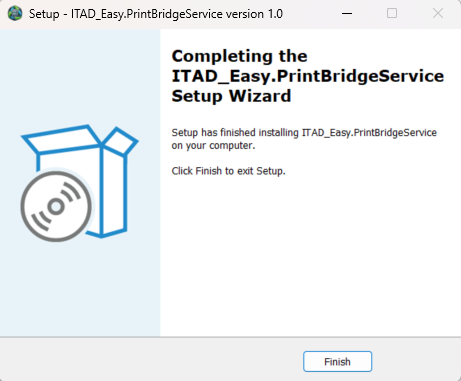
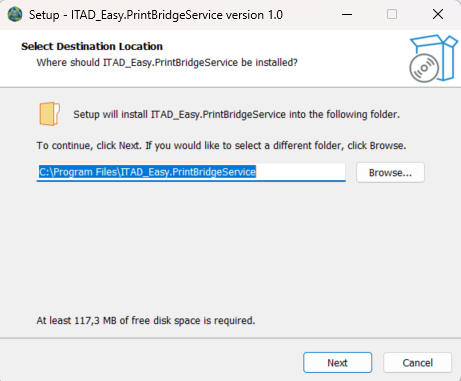
Double-click on the extracted EXE file to start the installation. Please note that you must have administrative rights to perform the installation.
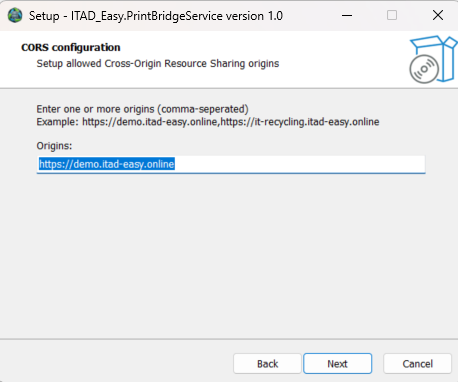
Now you must enter the address of the ITAD-Easy WASM website. For security reasons the PrintBridgeService will only accept communication from that address.